How to pay
How each payment method works, and when your order is confirmed. Which methods are shown at checkout can change from order to order.
Pay by Bank — powered by Fena
Pay directly from your bank
Pay by Bank is a one-off payment method that lets you approve your purchase with your own bank through Open Banking.
You authenticate with your bank. You do not enter card details into checkout, and you do not need a Fena account.
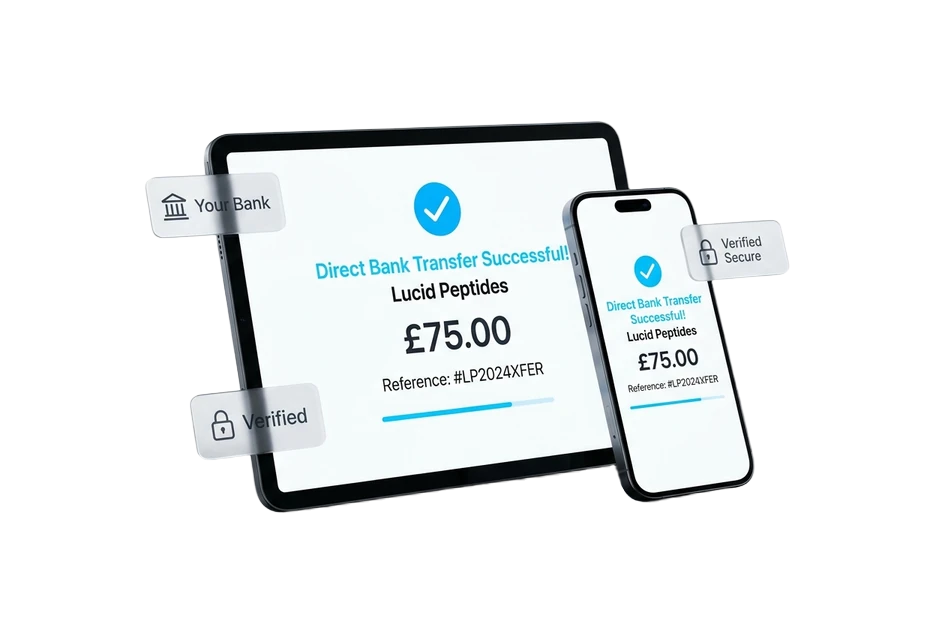
How Pay by Bank works
You'll choose your bank, authenticate directly with it, and approve the payment. You don't need to enter card details.
- 01
Select Pay by Bank
Choose Pay by Bank as your payment method when it is available at checkout.
- 02
Choose your bank
Continue to your chosen bank through the Open Banking flow powered by Fena.
- 03
Approve with your bank
Authenticate directly with your bank and approve the payment in its app or online banking.
- 04
Return to Cobalt
Come back to Cobalt while we confirm the final payment result and show the appropriate next step.
Approve the payment with your bank
Open Banking lets you securely approve a payment using your own banking app or online banking.
What is Fena?
Fena is the payment technology provider that powers Pay by Bank at Cobalt. It helps connect checkout to your chosen bank through Open Banking. It is not a credit product, and you do not need a Fena account.
Cryptocurrency — processed by NOWPayments
Pay with USDT on the TRC-20 network
Send USDT from your own wallet or exchange. NOWPayments hosts the payment page and confirms the payment to us.
Only send USDT, and only on the TRC-20 network. USDT sent on any other network, or any other coin, will not reach the payment and may not be recoverable.
How crypto payment works
You pay on a NOWPayments page, not in checkout, and there is nothing to set up beforehand.
If a different amount arrives
If less than the amount shown arrives, the order is not completed and our team will contact you about the balance. Please don’t send a second payment.
What is NOWPayments?
NOWPayments is the cryptocurrency payment processor that hosts the payment page and confirms payments to Cobalt. You do not need a NOWPayments account.
- 01
Select Cryptocurrency
Choose Cryptocurrency as your payment method when it is available at checkout.
- 02
Open the payment page
Continue to the NOWPayments payment page. It shows the exact amount of USDT to send and the TRC-20 address to send it to.
- 03
Send the exact amount
Send that amount of USDT from your wallet or exchange on the TRC-20 network. Any network fee is charged on top by your wallet, so check the full amount arrives.
- 04
Wait for confirmation
The network confirms the payment, usually within a few minutes. Your order completes automatically and we email you — you can close the page.
Paying is not the final order status
Your order is only completed after Cobalt receives confirmation that the payment was successful. If payment is not confirmed, no completed order is created.
Shop products